Coins.Game
Coins.Game mobile access keeps the casino in the browser
 Available in US

Coins.Game uses a responsive HTML5 site for mobile access on iOS and Android. That keeps the core experience inside the browser: games, account access and payment actions are handled through the same web interface rather than a separate mobile workflow. The main practical difference is operational. A phone combines the casino session, wallet handoff, authentication and transaction approval on a smaller screen, so careful checking matters more.
- Mobile formatResponsive HTML5 site
- iOSBrowser access
- AndroidBrowser access
- Account securityOptional 2FA
On this page
- How mobile browser access changes the workflow
- Why crypto payments deserve extra attention on a phone
- Account security on a handheld device
- What to expect from games on smaller screens
- A practical mobile-use checklist
- Common mobile questions
Table of Contents
- Mobile use is the same service in a tighter workspace
- Crypto payment mistakes are harder to spot on a small screen
- A phone concentrates login, 2FA and wallet risk in one place
- Responsive design helps access, but game fit still varies by format
- A six-step mobile routine reduces avoidable errors
- Common Coins.Game mobile questions
- Coins.Game mobile access is convenient when transaction checks stay deliberate
Mobile use is the same service in a tighter workspace
The mobile version is described as a responsive browser-based implementation rather than a separate product. That means the useful comparison is not “desktop casino versus mobile casino”; it is how the same actions feel when the available screen space, keyboard and app switching are different.
Navigation stays web-based
The casino loads through the mobile browser, so account sections, games and payment screens remain part of the website. Bookmarking the correct domain can reduce the chance of typing a similar-looking address later.
Wallet actions may require switching context
A crypto payment can involve moving between the browser and a wallet interface. Every switch is a point where the asset, network or destination should be rechecked before approval.
Smaller screens hide more context
Long terms, payment details and table rules can require more scrolling. Do not treat a collapsed panel or off-screen field as unimportant simply because it is less visible on a phone.
The broader Coins.Game review covers the full product. On mobile, the most useful preparation is to know which action you are performing before opening the relevant screen: playing, funding, verifying the account or withdrawing.
The browser is only the interface. Payment rules, first-withdrawal verification and game mechanics do not become simpler just because they are being viewed on a phone.
Crypto payment mistakes are harder to spot on a small screen
Coins.Game supports a broad crypto set, including BTC, ETH, LTC, USDT, USDC, DOGE, TRX, ADA, XRP, SOL, BNB and BCH, with DOT and SHIB also appearing in coverage. The platform is multi-chain, and withdrawal costs can vary by network. On a phone, that combination makes the confirmation step more important because long addresses and network labels are easier to skim than to inspect carefully.
| Mobile payment step | What to verify | Why it matters |
|---|---|---|
| Choose the asset | Confirm the coin or token shown in the payment dialog. | Different assets can have different minimums and network costs. |
| Choose the network | Match the network shown by the casino with the network used by the sending or receiving wallet. | A network mismatch can make recovery difficult or impossible. |
| Check the address | Compare more than the first and last few characters after pasting. | Blockchain transfers are generally irreversible once approved. |
| Review the amount | Check the entered amount and the network fee before confirming. | Network fees remain separate from the casino balance and can change the amount received. |
The Coins.Game payments guide explains the supported asset range, fiat on-ramp options and the uncertainty around minimum deposit figures. That uncertainty is especially relevant on mobile: the value shown in the current payment dialog should be treated as the operative threshold instead of relying on an older number from another screen or review.
Do not approve a crypto transfer from a notification preview or while multitasking. Open the wallet and payment screen fully, compare the asset and network, then confirm the destination and amount.
A phone concentrates login, 2FA and wallet risk in one place
Optional two-factor authentication is reported for Coins.Game accounts. It is useful because mobile access often places the browser, authenticator and wallet on the same device. That convenience also creates a single point of failure if the phone is lost, unlocked or compromised.
Controls worth using
- Use the phone’s screen lock and keep the browser session protected.
- Enable optional 2FA if you want a second step for account access.
- Keep wallet recovery material separate from the device used for day-to-day access.
- Open the casino through a saved bookmark rather than an unfamiliar message or ad link.
What these controls do not solve
- 2FA does not replace identity verification before the first withdrawal.
- A screen lock cannot correct a crypto transfer sent to the wrong address or network.
- Mobile convenience does not remove the need to read bonus or payment conditions.
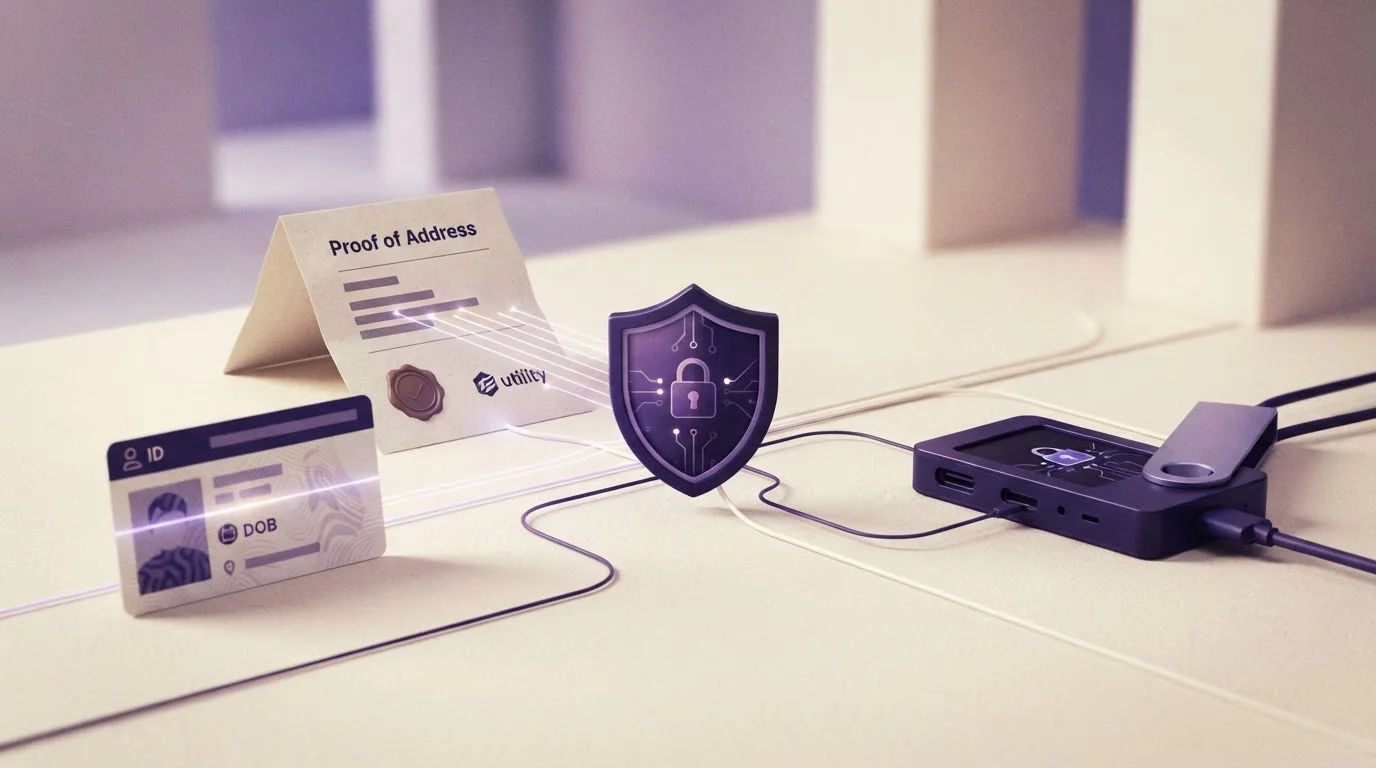
The account side deserves separate preparation because Coins.Game is described as requiring KYC before the first withdrawal. The account guide covers ID, proof of address, possible bank-statement requests and the longer review cases reported around cashouts.
Screen lock
Protects access to the physical device.
2FA
Adds another account-authentication step.
KYC
Links the account to identity evidence before the first withdrawal.
Wallet confirmation
Final check before an irreversible crypto transaction leaves the wallet.
Responsive design helps access, but game fit still varies by format
Coins.Game lists thousands of games across a broad provider set, with names including Pragmatic Play, Evolution, NetEnt, Yggdrasil, BGaming, Microgaming, Red Tiger, Play’n GO, Endorphina, Betsoft, Platipus and TVBet. A responsive site can adapt the surrounding interface, but the actual play experience still depends on each game’s own controls and layout.
Live tables can be more information-dense than slots or simple originals because video, betting controls, history and limits compete for screen space. Provably-fair originals can be visually simpler, but their fairness model still needs to be understood independently of the phone layout. The games section separates the provider catalogue, live casino and originals rather than treating every format as interchangeable.
Slots
Touch controls are usually straightforward, but paytables, feature rules and bonus-buy information can require extra taps or scrolling. Read the rules before changing stake size.
Live casino
Streaming adds bandwidth and latency considerations. A stable connection matters more when decisions are tied to a dealer’s live betting window.
Originals
Simple layouts can still produce high-frequency betting. A compact interface should not be mistaken for low financial exposure.
Rotate the phone or use a larger screen when rules, limits or confirmation details feel cramped. Better visibility is more valuable than finishing an action quickly.
A six-step mobile routine reduces avoidable errors
- Open the saved Coins.Game address. Avoid retyping the domain when a bookmark can take you directly to the same site.
- Check the connection before real-money play. A weak or changing connection can be disruptive during live games or payment confirmation.
- Read payment details at full size. Confirm asset, network, address and amount rather than approving from a compressed view.
- Use 2FA if it fits your account-security setup. Keep recovery information away from the everyday device.
- Prepare verification documents before the first cashout. Mobile access does not remove Coins.Game’s reported first-withdrawal KYC step.
- Stop before any irreversible action. Crypto transfers cannot normally be undone, so a short confirmation check is more useful than speed.
This routine is intentionally simple because the main mobile risks are procedural rather than device-specific. The browser provides access; the user still has to manage transaction details, account security and game information with the same care as on a desktop.
Common Coins.Game mobile questions
Can I use Coins.Game on a phone?
Yes. Coins.Game is described as a responsive browser-based service that works on iOS and Android.
Does mobile access change Coins.Game payment rules?
The same Coins.Game crypto assets, network selection and withdrawal checks remain relevant when you use the site from a phone.
What should I check before sending crypto from a phone?
Confirm the asset, destination address and selected network before approving the transfer. Crypto transactions are generally irreversible once sent.
Is two-factor authentication available for Coins.Game accounts?
Optional two-factor authentication is reported for Coins.Game accounts and can add a second layer to login security.
Does mobile access remove first-withdrawal verification?
No. Reviews describe identity verification before the first withdrawal, regardless of whether the account is used from a phone or another device.
Read next
- Prepare your Coins.Game account
- Review crypto payments and networks
- Explore the Coins.Game game catalogue
- Return to the Coins.Game review
Coins.Game mobile access is convenient when transaction checks stay deliberate
The responsive browser format makes Coins.Game usable on both iOS and Android without changing the underlying account, payment or game rules. The main trade-off is concentration: login, wallet approval, 2FA and real-money play can all happen on one small device. Treat the phone as a compact workspace, verify crypto details before every transfer and keep account security separate from the speed of access.
Created by the ”Coins.game” editorial team.